📌 Version 1.0 This is the first generation of our components. Some may have minor alignment differences or use widgets that aren't perfectly matched to the content type. Even so, they provide a strong structural foundation and are very useful for quickly building any type of website. We're continuously improving them; future versions will be even more polished.

Why does this look plain/unstyled? Snapelement components are intentionally unstyled. They contain no hardcoded colors, fonts, or spacing. When you paste them into Elementor, they automatically adopt your site's Global Styles (colors, fonts, buttons). The preview may look off or basic here, but once imported, every element matches your brand.
Layout
3-col 3-features h-only no-badge text tight
About This Component
Pricing tables transform complex pricing structures into intuitive visual comparisons that reduce decision fatigue. Snapelement offers this pricing section as a free, copy-and-paste component designed specifically for the Elementor page builder on WordPress. The design features a 3-column grid structure and 3 feature highlights per plan. This component is built using E Div Block, E Flexbox, Heading, E Paragraph, and E Divider widgets, leveraging Elementor 4.0 atomic elements for a lighter DOM and faster page loads. Ideal for online course platforms, subscription service sites, and software licensing pages. Import this section into Elementor with one paste and tailor it to match your brand identity. Clear pricing presentation reduces purchase anxiety and builds trust, and this template is structured to make plan comparison effortless for potential customers. Built with Elementor 4.0 atomic elements, this component delivers a lighter DOM structure that contributes to faster page load times and better Core Web Vitals scores. This template strikes the right balance between visual complexity and page load efficiency.
How to use
- 1.Click “Copy JSON” above (or download the file)
- 2.Open your page in Elementor editor
- 3.Right-click on the canvas → Paste
- 4.The component appears with your site's Global Styles applied automatically
Centered Pricing with Heading Only and 3-column Layout 3
This component is built with Elementor 4.0 atomic elements. Clean and lightweight structure.
Widgets used
Unlock Pro widgets with Elementor Pro
Get access to forms, sliders, testimonial carousels, and 20+ premium widgets
Get Elementor Pro →Launch Your Website: Get 20% Off Hostinger!
Ready to build your dream site? Get fast, reliable, and affordable web hosting with Hostinger. Use my exclusive link to score an extra 20% off your plan today!
Get 20% Off →Get premium cloud hosting, enterprise-grade security, and 24/7 support at your fingertips.
Ideal for agencies, freelancers, and businesses building professional WordPress sites.
Get Cloud hosting for WordPress →Related Pricing Sections
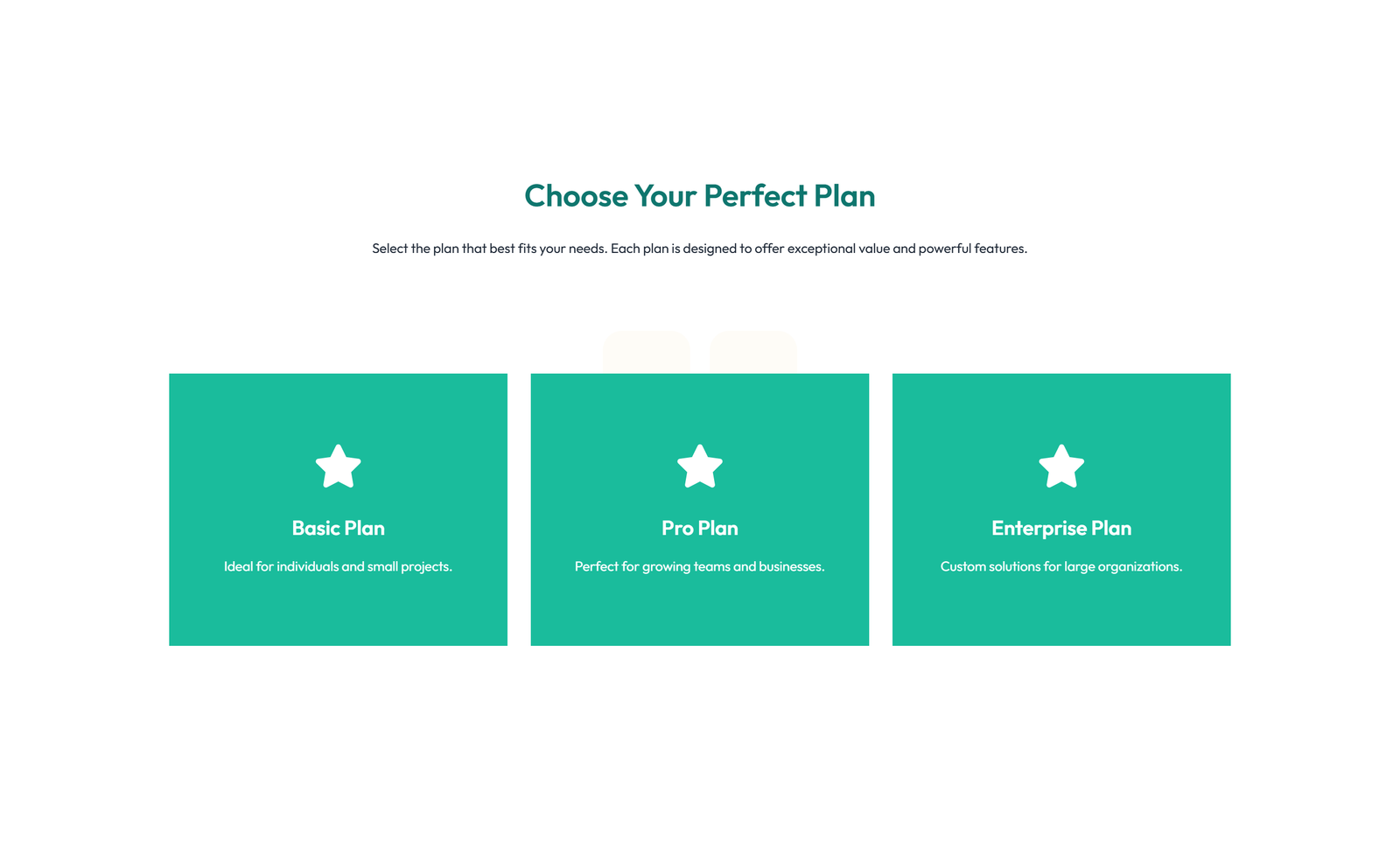 Elementor ProV3 Adaptive
Pricing with 3-column Price Table Comparison 95
section heading + subtitle: flip-box (Pro) cards that reveal pricing on flip
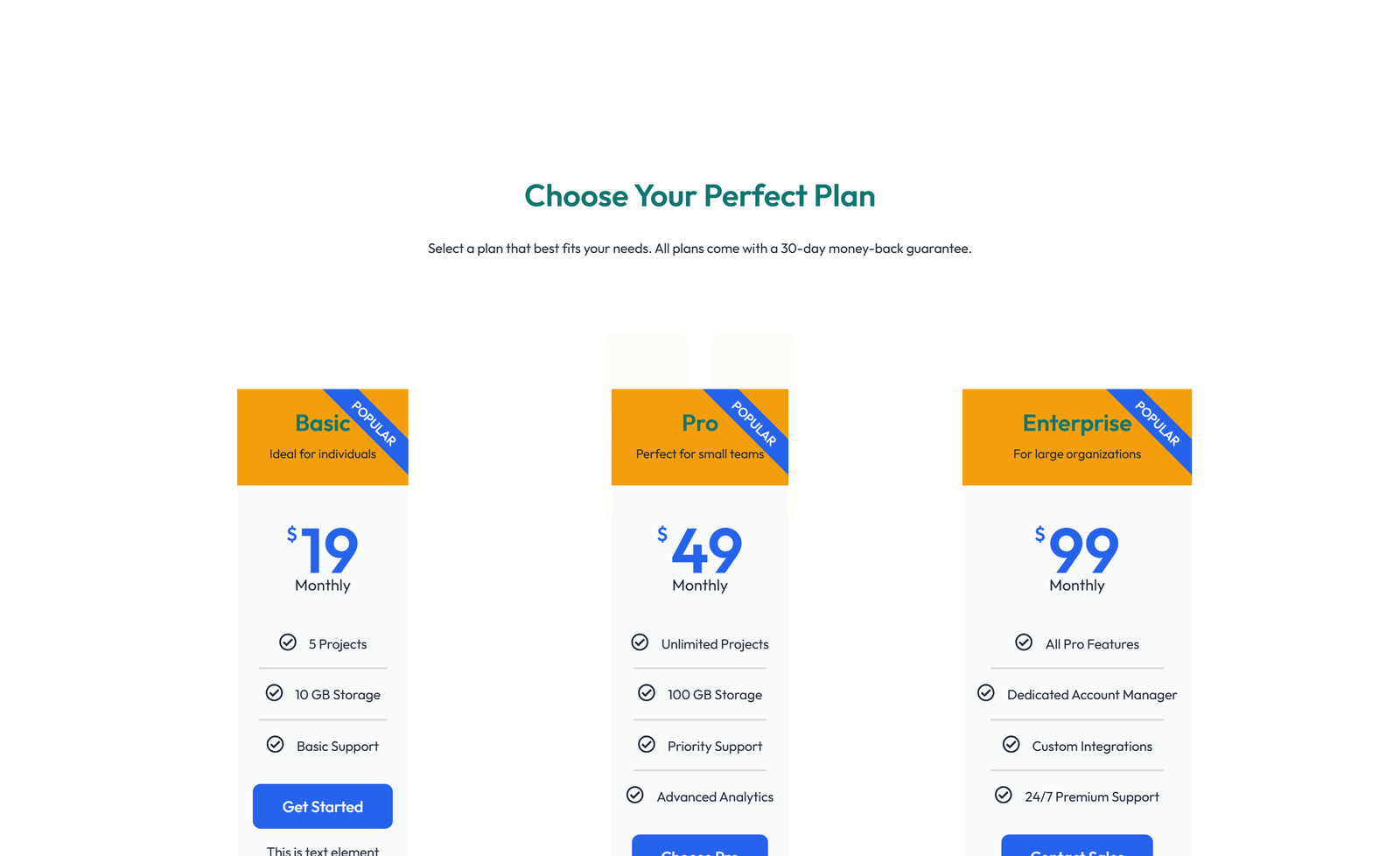 Elementor ProV3 Adaptive
Pricing with 3-column Price Table with Ribbon 24
section heading + subtitle: 3 pricing cards with icon-list features + CTA each
Pricing with 2-column Price Table Comparison 13
section heading + subtitle: single pricing card centered
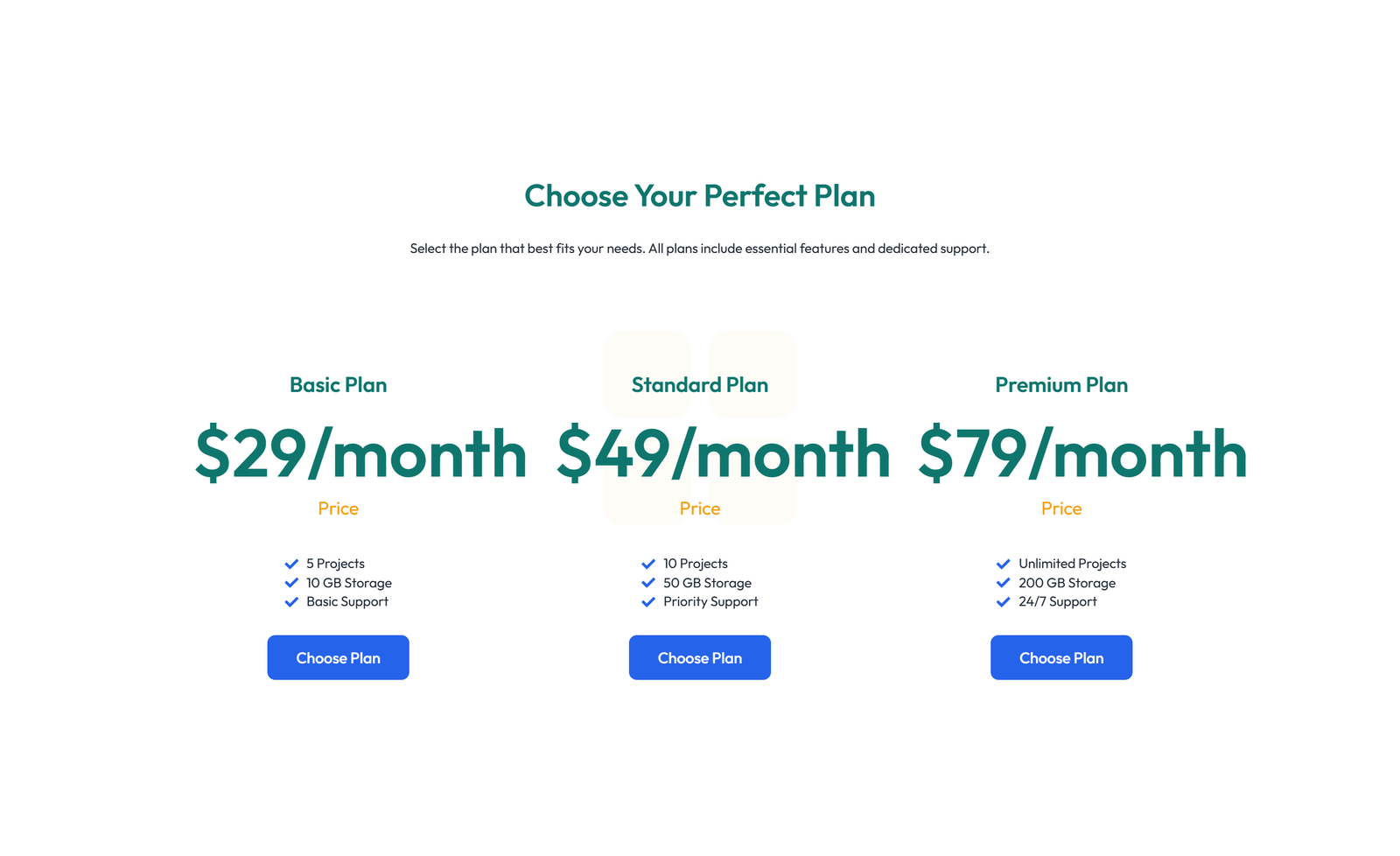 Elementor ProV3 Adaptive
Pricing with 2-column Price Table Comparison 32
section heading + subtitle: minimal: heading + price + CTA per column (3 cols)
Pricing with 3-column Price Table with Ribbon 96
section heading + subtitle: flip-box (Pro) cards that reveal pricing on flip
Pricing with 3-column Price Table with Ribbon 53
section heading + subtitle: price-list widget (Pro) + heading + divider