Copy. Paste. Watch it become yours.
20,871 Elementor components that inherit your colors, fonts, and spacing the moment you paste them in. Browse every one of them free. No plugin to install, no account needed to start, no lock-in. Just clean JSON that looks like you designed it yourself. Free copying runs on a monthly allowance, larger with a free account; Pro, $49 a year, removes it and adds the 8,291 V4 Atomic components.
Free to copy within a monthly allowance, no sign-up to start. Want unlimited copies, the V4 Atomic catalog, or the whole library as files? See Pro pricing.
20,871
components published
49
categories
1,427
copies and downloads served
3.16+
works with Elementor 3.16+ and V4
Pre-styled templates fight your design system.
Most template libraries hand you someone else's brand and call it a head start.
Hardcoded colors
Every heading, button, and background arrives painted in the template's palette. You override them one setting at a time, on every widget, on every page.
Plugin bloat
Kit installers add their own plugin, their own CSS layer, and their own update schedule to your site just to paste a section.
Licenses that expire
At most libraries the sections you already shipped stay licensed only while you keep paying. Here, anything you copy stays licensed to you permanently, on unlimited sites, including client sites.
Unstyled on purpose. Styled by your site.
Components reference Elementor Global Styles instead of hardcoding values, so they arrive wearing your brand.
Find a component
Browse 20,500+ components by category, widget, or search.
Click Copy
One click puts the Elementor JSON on your clipboard. No file juggling.
Paste in Elementor
Right-click the canvas, Paste from other site. It inherits YOUR Global Styles instantly.
Every section type, ready to paste
All categories



Elementor V4
The largest Elementor V4 atomic library
8,291 V4 Atomic components built from the new element system, including atomic forms and V4 ports of our most-used V3 sections. Browsing and previewing every one of them is free; copying them comes with a paid plan.
V4 styles live on classes and variables instead of per-widget settings: restyle a class once and every matching element follows. Cleaner markup, lighter CSS, and design tokens that behave like a real design system.
Theme Builder templates, in bulk
Complete site frames, not just page sections: every template exports with the correct theme type so Elementor files it exactly where it belongs on import.
Start free. Go Pro when you are ready.
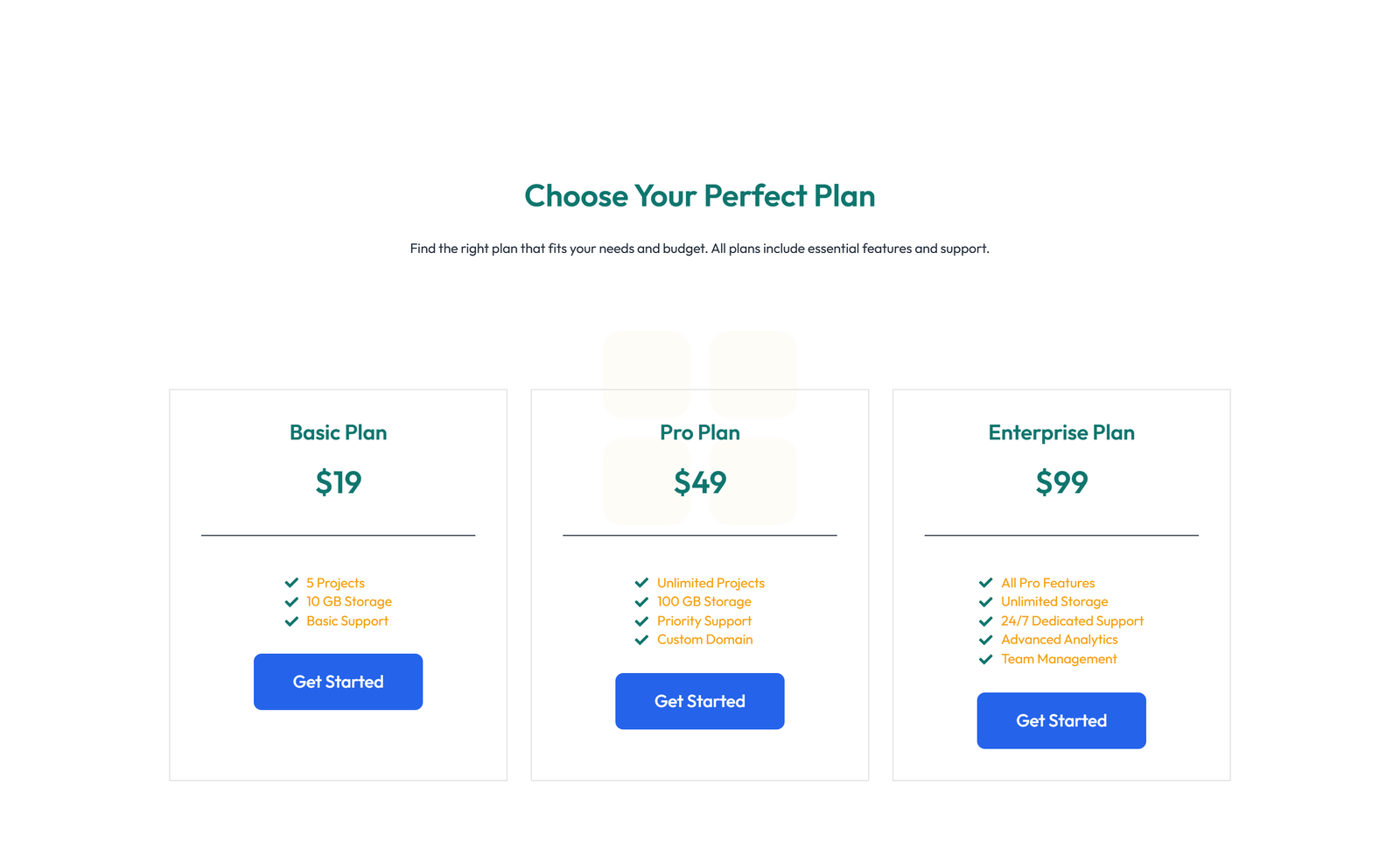
Same license either way. Pro is $49 a year: unlimited copies, the V4 Atomic catalog, loop bundles, the complete library as one ZIP, the WordPress plugin, and every component added while your plan is active. Cancel any time and keep everything you copied.
| Free | Pro, $49 a year | |
|---|---|---|
| Browse and search everything | ||
| Copy and paste the free V3 catalog (12,500+ components) | ||
| Unlimited copies, no monthly allowance | ||
| Copy and paste any component, including all 8,000+ V4 Atomic | ||
| Commercial and client use, unlimited sites | ||
| Every component as one organized ZIP | ||
| Every new component while your plan is active | ||
| WordPress plugin with V4 and unlimited inserts inside Elementor |
Questions, answered
Is it really free, and where is the catch?
The V3 Adaptive catalog is genuinely free: 12,500+ components you can browse and copy at no cost, within a monthly copy allowance that a free account raises. Anything you copy stays yours to use in unlimited personal, commercial, and client projects, permanently. The catch, stated up front: the V4 Atomic catalog, loop bundles, category ZIPs, and the one-ZIP Complete Library download are part of the Pro plan, $49 a year, which also makes copying unlimited. The pricing page shows the current allowance and price.
Do I need Elementor Pro?
Most components work with free Elementor. Components that use Pro widgets (forms, theme builder parts, WooCommerce sections, popups) are clearly marked with an Elementor Pro badge, and you filter them out with one click.
Does it work with Elementor V4?
Yes. We ship 8,000+ V4 Atomic components, including V4 ports of our most popular V3 sections, as part of the paid library. Component pages that exist in both versions link to their counterpart so you always copy the right JSON for your editor.
How do theme builder parts import?
Headers, footers, single post layouts, archives, and error pages download with the correct template type, so Elementor files them into the right Theme Builder section on import. Each type has a step-by-step import guide covering display conditions.
What license do components come with?
Use them in unlimited projects, including client work and commercial sites, with no attribution and no per-site activation limits. Anything you copied while entitled stays licensed to you permanently, including after a subscription ends. The only restriction: you cannot repackage the components themselves as a competing library. The License page has the plain-language version.
What is the refund policy?
14 days, no questions asked, refunded in full through Lemon Squeezy, which is the merchant of record for every order. Email support with your order number and the refund is processed within 3 to 5 business days.
Do you add new components regularly?
Yes. The library grows in themed waves (recent waves added theme builder templates, popups, loop grids, WooCommerce sections, and V4 atomic forms) and the changelog lists every wave. Subscribers get a digest when a new wave lands.
Do I need an account?
Not to browse, and not to start copying from the free catalog; favorites are stored in your browser either way. A free account raises your monthly copy allowance and keeps your downloads in one place. If you buy a paid plan you get instant access by email plus an account with that email, and everything you copied while entitled stays licensed to you even if a subscription later ends.
Get our free 28-page V4 migration guide and a starter kit of components
Two free welcome gifts: a hand-picked set of 10 Elementor components, and our 28-page guide to porting existing client sites to V4 without breaking anything. Delivered after you confirm your email, plus first access to new components as we add them.
Double opt-in, unsubscribe anytime.