📌 Version 1.0 This is the first generation of our components. Some may have minor alignment differences or use widgets that aren't perfectly matched to the content type. Even so, they provide a strong structural foundation and are very useful for quickly building any type of website. We're continuously improving them; future versions will be even more polished.
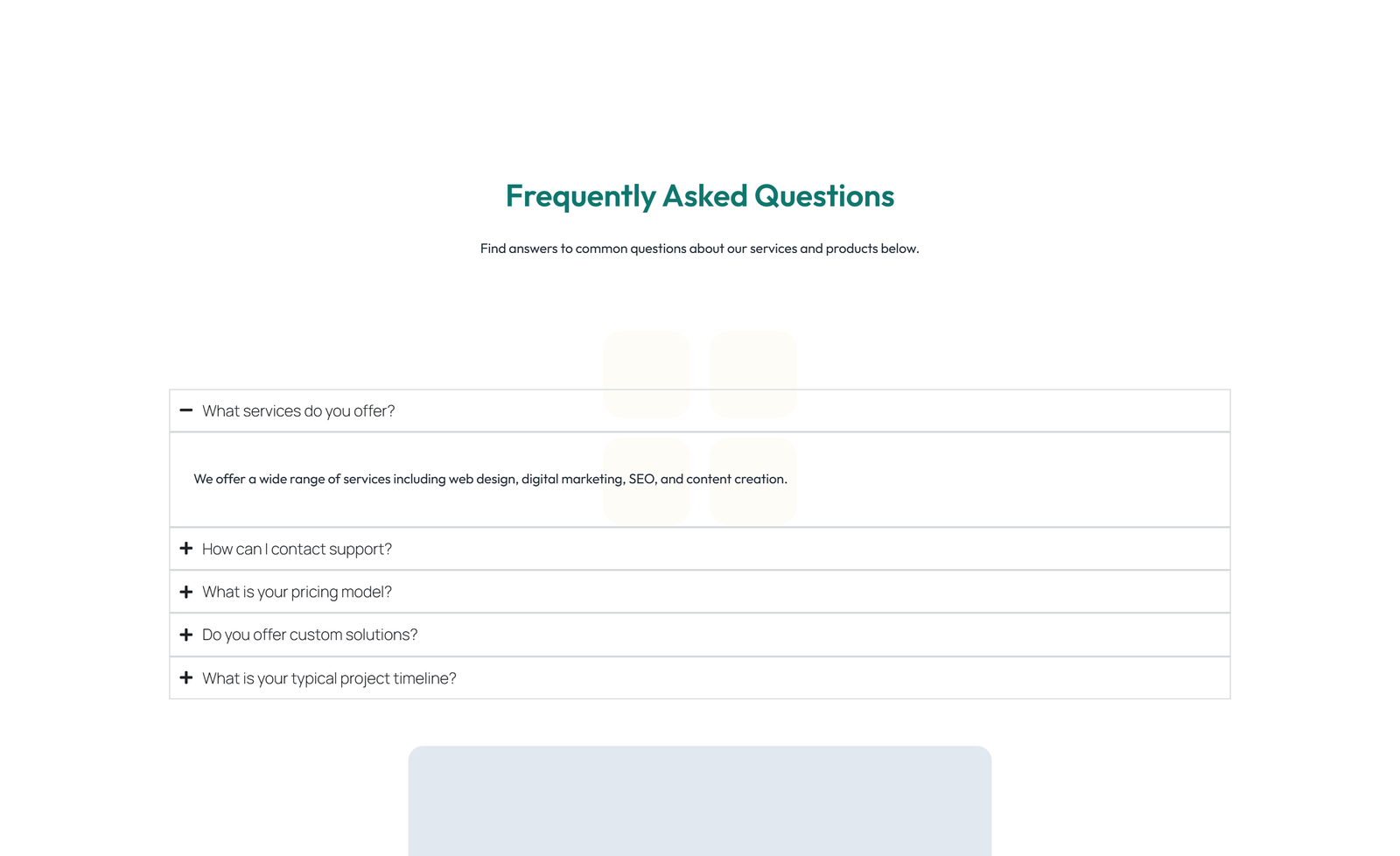
Why does this look plain/unstyled? Snapelement components are intentionally unstyled. They contain no hardcoded colors, fonts, or spacing. When you paste them into Elementor, they automatically adopt your site's Global Styles (colors, fonts, buttons). The preview may look off or basic here, but once imported, every element matches your brand.
Layout
split: text + CTA left, accordion right
About This Component
FAQ sections serve dual purposes: they assist visitors with information and boost SEO through question-based content. This Snapelement faq section component is crafted for WordPress users who want a professional Elementor layout without starting from scratch. The design features an accordion element for expandable content and a prominent CTA section for conversion focus. It is built using Heading, Text Editor, Button, and Nested Accordion widgets, designed to inherit WordPress Global Styles automatically for consistent branding. Ideal for onboarding sections, pricing pages, and service explanation pages. Get started by copying this component into your Elementor editor — it adapts to your Global Styles automatically. This FAQ layout is designed to reduce customer support inquiries by proactively addressing the most common questions and concerns. This component leverages Elementor's Global Styles system, meaning every color, font, and button style automatically matches your existing brand design the moment you paste it. The balanced element count provides visual richness without compromising page performance. No Elementor Pro license is needed — this template uses only free widgets, ensuring it works for sites of any budget.
How to use
- 1.Click “Copy JSON” above (or download the file)
- 2.Open your page in Elementor editor
- 3.Right-click on the canvas → Paste
- 4.The component appears with your site's Global Styles applied automatically
Split FAQ with Text and CTA Left and Accordion Right 39
These components use Global Styles. They automatically inherit your site's colors, fonts, and button styles when you paste them.
Widgets used
Unlock Pro widgets with Elementor Pro
Get access to forms, sliders, testimonial carousels, and 20+ premium widgets
Get Elementor Pro →Launch Your Website: Get 20% Off Hostinger!
Ready to build your dream site? Get fast, reliable, and affordable web hosting with Hostinger. Use my exclusive link to score an extra 20% off your plan today!
Get 20% Off →Get premium cloud hosting, enterprise-grade security, and 24/7 support at your fingertips.
Ideal for agencies, freelancers, and businesses building professional WordPress sites.
Get Cloud hosting for WordPress →Related FAQ Sections
 V3 Adaptive
Centered FAQ with Accordion, Follow-up CTA 77
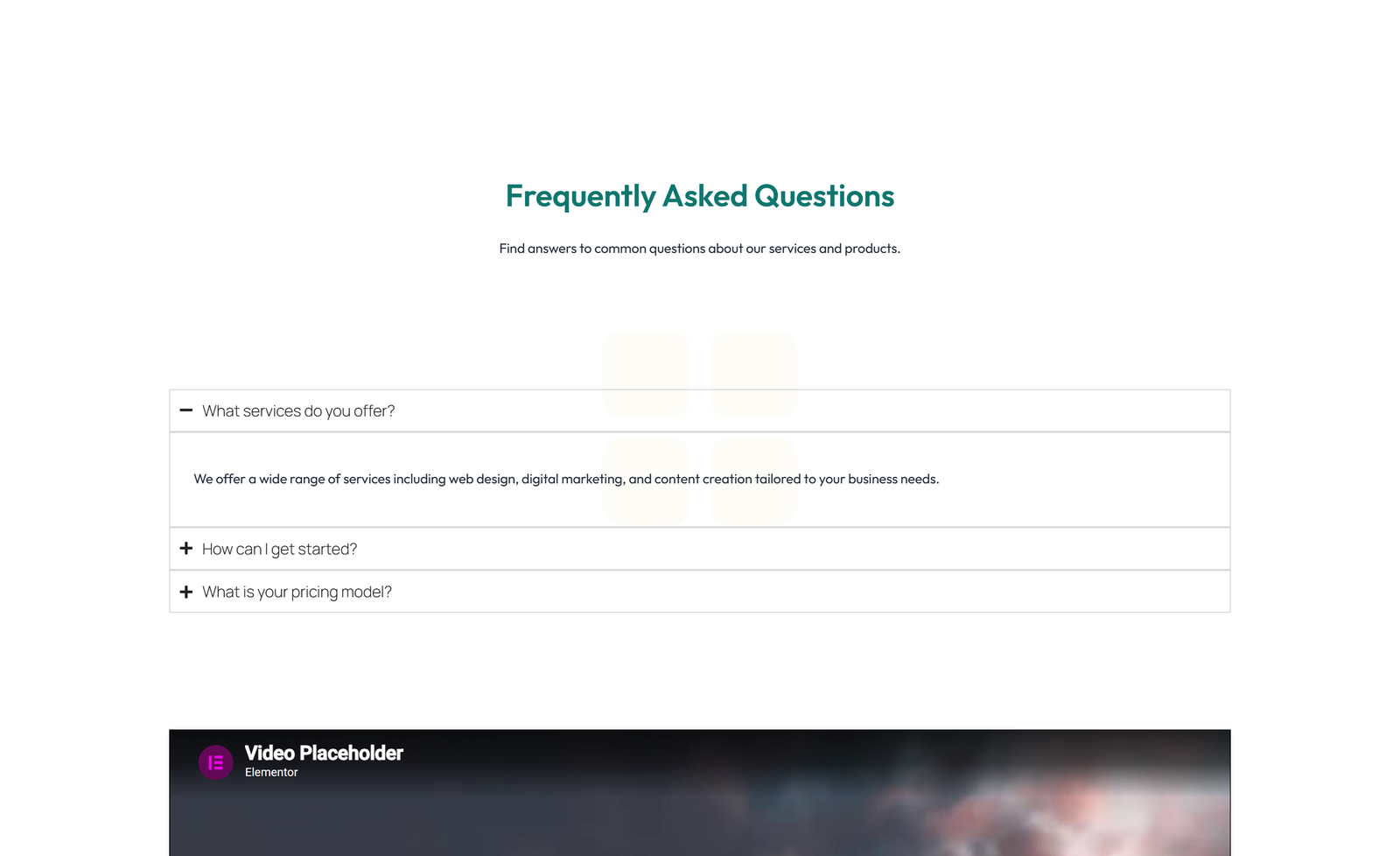
section heading + subtitle: accordion + video (tutorial) above
Centered FAQ with Subtitle and Accordion 8
stacked accordion h+sub text normal
Split FAQ with Text and CTA Left and Accordion Right 58
section heading + subtitle: accordion + counter (questions answered stat)
Centered FAQ with Badge, Accordion, and CTA
centered accordion badge CTA tight
Centered FAQ with Heading Only 2
centered tabs h-only text tight
Centered FAQ with Accordion with Heading 79
section heading + subtitle: accordion + video (tutorial) above